
SendGrid
Authenticate a domain in SendGrid
Complete SendGrid domain authentication (DKIM/SPF) so From addresses match the client brand.
Authenticate a domain in SendGrid
Without domain authentication, SendGrid may force From rewriting or land mail in spam. Agencies should authenticate each client domain they send from.
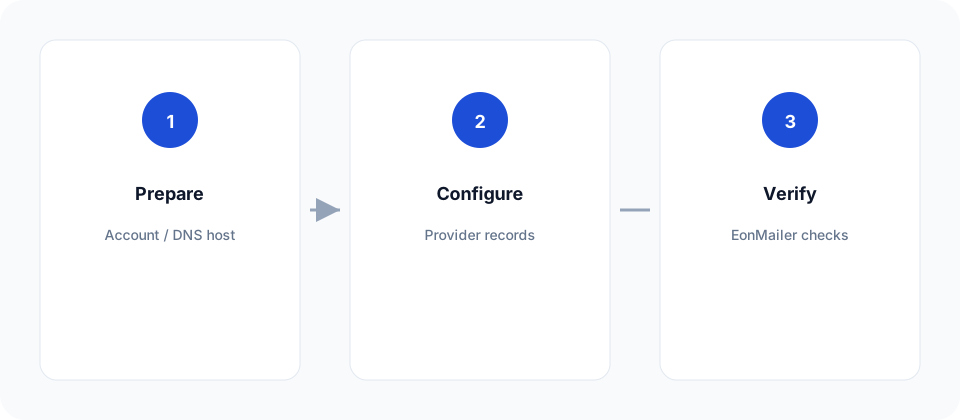
Steps in SendGrid
- Settings → Sender Authentication → Authenticate Your Domain.
- Pick the DNS host if prompted (or “Other”).
- Enter the root domain (
client.com). - Leave automated security on unless IT requires custom CNAMEs.
- Copy all DNS records SendGrid lists.
- Publish them at the DNS host.
- Click Verify in SendGrid until status is Verified.
Single Sender vs domain
| Method | Use for |
|---|---|
| Domain authentication | Production client brands |
| Single Sender Verification | Temporary tests only |
Mailgun-style “must have a domain” is stricter; SendGrid allows Single Sender for early tests, but client work should move to domain auth quickly.
Then in EonMailer
- Connect the API key (guide).
- Import or add the domain in Deliverability.
- Re-check readiness until DKIM/SPF pass.
- Create a verified sender profile on that domain.
Common failures
- Missing one of the DKIM CNAMEs.
- Apex SPF already has too many lookups (
include:chain) — flatten or consolidate. - Verifying
www.client.comwhile sending asclient.com— keep identity and From aligned.