
DNS & domains
Common DNS hosts (Cloudflare, Route 53, GoDaddy, Namecheap)
Where to paste SPF, DKIM, and tracking records for the hosts agencies see most often.
Common DNS hosts
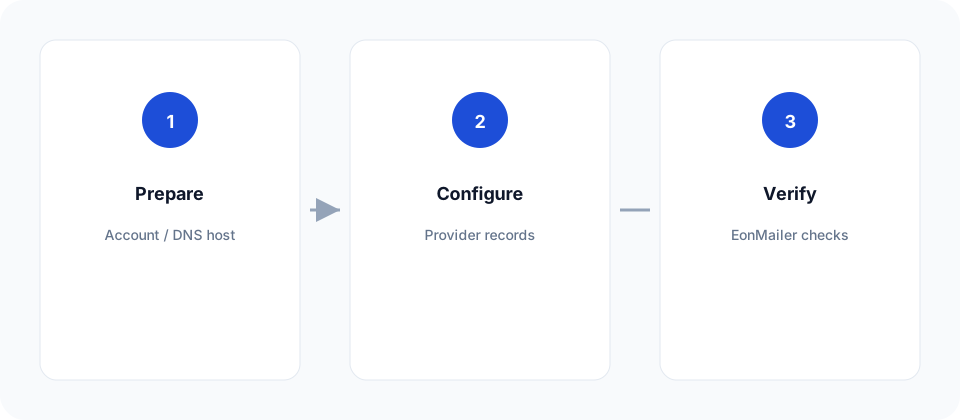
EonMailer and your ESP show the records; the client’s DNS host must publish them. Here’s where to click for the hosts we see most.
Cloudflare
- Select the domain → DNS → Records.
- Add record for each CNAME / TXT.
- For DKIM CNAMEs, set Proxy status → DNS only (grey cloud). Orange-cloud proxy breaks ESP verification.
- TTL Auto is fine.
Amazon Route 53
- Hosted zones → domain → Create record.
- Paste name/value exactly (Route 53 often wants the relative name, not the FQDN — follow the console hint).
- Record type TXT or CNAME as shown by SES/SendGrid/Mailgun.
GoDaddy
- My Products → DNS → Manage DNS.
- Add records; for TXT, put the value in quotes if the UI strips spaces oddly.
- Propagation can be slow — wait before re-checking in EonMailer.
Namecheap
- Domain List → Manage → Advanced DNS.
- Use Host field carefully (
@for apex,s1._domainkeystyle for DKIM). - Save → wait 15–60 minutes.
If IT owns DNS
Export a one-pager from EonMailer’s domain screen (copy records) and ask IT to:
- Add the records unchanged.
- Confirm no conflicting SPF (only one SPF TXT on the apex).
- Reply when live so you can click Re-check in Deliverability.