
Product guides
Automations and journey builder
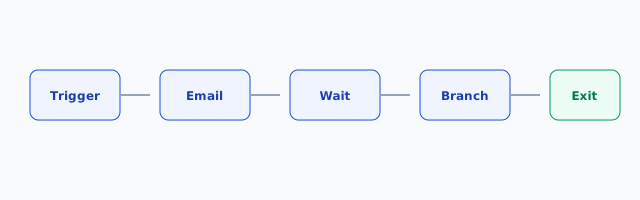
Enroll contacts into multi-step journeys with delays, emails, and exits.
When to use automations
Use journeys for triggered sequences (welcome, abandoned cart, nurture). Use one-off campaigns for blasts.
Build a journey
- Automations → New automation.
- Choose an entry trigger (form submit, tag added, list join, etc.).
- Add steps: Send email, Wait, Condition, Exit.
- Set a goal (optional) so reports show conversion.
- Activate when ready — drafts do not enroll.
Enrollment and safety
- Contacts enroll once per automation unless you allow re-entry.
- Suppressions and unsubscribes exit automatically.
- Pause the automation to stop new enrollments; in-flight steps finish per settings.
Reports
Open the automation Report tab for enrollments, completed, exits, and goal conversion. Incomplete event tracking means open/click metrics stay empty — sends still work.